Typically, PowerBIEntityNotFound indicates that the requested resource (report, dataset, or workspace) could not be found under the access token's permissions.
{
"error": {
"code": "PowerBIEntityNotFound",
"pbi.error": {
"code": "PowerBIEntityNotFound",
"parameters": {},
"details": [],
"exceptionCulprit": 1
}
}
}
You need to check a couple of things.
1. Ensure the workspace GUID is accurate.
You can find it in the URL when viewing a report:
https://app.powerbi.com/groups/{workspace-id}/reports/{report-id}
2. Is the Report ID correct?
same steps as above.
3. Does the service principal have access?
Your Azure AD app (service principal) must be added to the workspace as a member or admin:
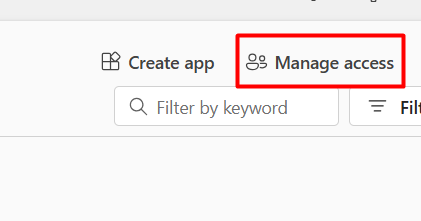
Go to Power BI Service → Workspace → Access

Add the service principal (client ID) as a Member or Admin

4. Ensure service principal access is enabled in tenant settings
In Power BI Admin Portal: Go to Tenant settings
Enable:
"Allow service principals to use Power BI APIs"
"Allow service principals to create embed tokens."
5. Ensure you are using the correct scope and authority in the token request.
SCOPE = "https://analysis.windows.net/powerbi/api/.default"
Check all the above steps, and it will resolve the issue.


